
Download Zoho Sheet – Free Online Spreadsheet Editor, Excel Alternative
Overview & Why Zoho Sheet Stands Out
Zoho Sheet is a cloud‑based spreadsheet application that directly challenges Microsoft Excel by offering a robust, collaborative, and completely web‑driven environment. As part of the larger Zoho Office Suite, it leverages a single‑sign‑on system, meaning once you register for a free Zoho account you instantly gain access to Sheet, Writer, Docs, and dozens of other productivity tools. The platform is built for both casual users who need a quick way to calculate budgets and power users who manipulate data sets with thousands of rows, complex formulas, and multi‑sheet dashboards.
Because it lives in the browser, every change is saved automatically, and version history is always available, eliminating the fear of losing work due to a crashed computer. The free tier offers 1 GB of personal storage, which is more than enough for most small‑business or personal projects, while paid plans expand storage and add advanced data‑analysis capabilities like pivot tables, data validation, and macro scripting. What truly differentiates Zoho Sheet is its seamless real‑time collaboration: multiple users can edit the same sheet simultaneously, leave comments, and set granular permissions (view‑only, comment‑only, edit).
The application also supports importing and exporting Excel (.xlsx) files without losing formatting, making the transition smooth for teams that still rely on desktop Excel for certain tasks. Moreover, Zoho Sheet includes a public gallery of pre‑built sheets, ranging from financial models to project trackers, which can be duplicated and customized in seconds. In short, Zoho Sheet combines the familiarity of a traditional spreadsheet with the flexibility of a modern SaaS solution, delivering a secure, always‑up‑to‑date tool that works on any device with an internet connection.
Key Features That Make Zoho Sheet Competitive
- Real‑time Collaboration: Multiple users edit simultaneously, with live cursor tracking and instant comment threads.
- Excel Compatibility: Import and export .xlsx files while preserving formulas, charts, and conditional formatting.
- Advanced Data Tools: Pivot tables, data validation, conditional formatting, and array formulas for complex analysis.
- Automation & Macros: Recordable macros and custom scripts using Zoho's Deluge language.
- Extensive Chart Library: Over 20 chart types, including waterfall, funnel, and radar charts.
- Offline Access: Browser cache allows limited editing when offline, syncing changes once back online.
- Secure Sharing & Permissions: Share via link or email with role‑based access controls (viewer, commenter, editor).
- Public Sheet Gallery: Browse and clone publicly shared sheets for templates, financial models, or data sets.
- Integration Ecosystem: Connect with Zoho CRM, Zoho Projects, Google Drive, Dropbox, and Zapier for automated workflows.
- Mobile Apps: Native iOS and Android apps provide full spreadsheet functionality on the go.
Beyond the list above, Zoho Sheet continually rolls out updates that improve performance, add new functions, and tighten security. The platform adheres to industry‑standard encryption (TLS 1.2) for data in transit and stores files at rest using AES‑256 encryption. For organizations concerned about compliance, Zoho Sheet supports GDPR, SOC 2, and ISO 27001 certifications.
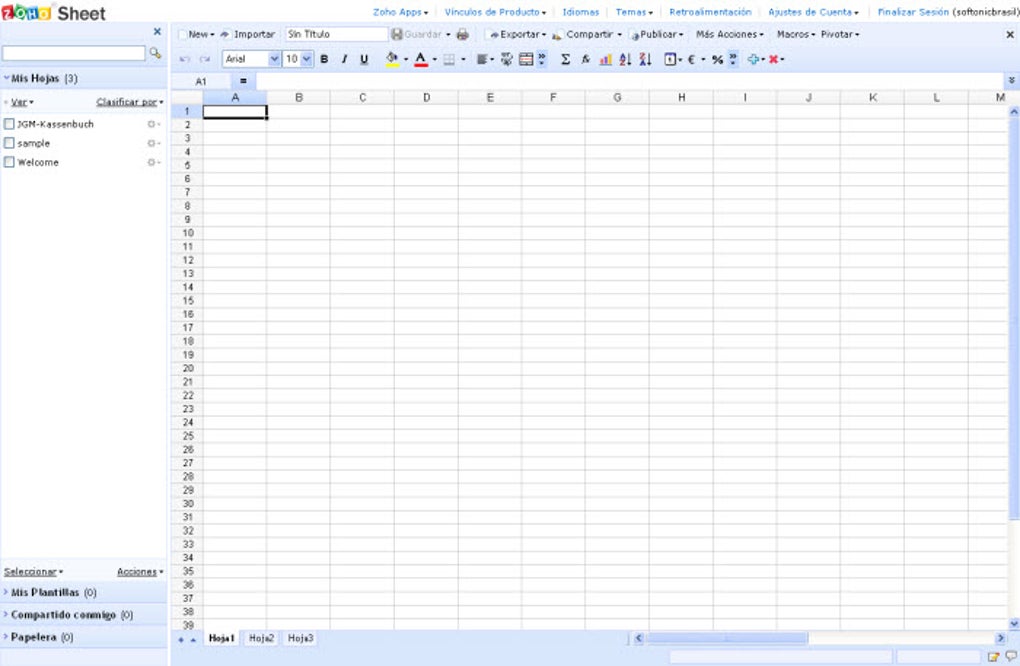
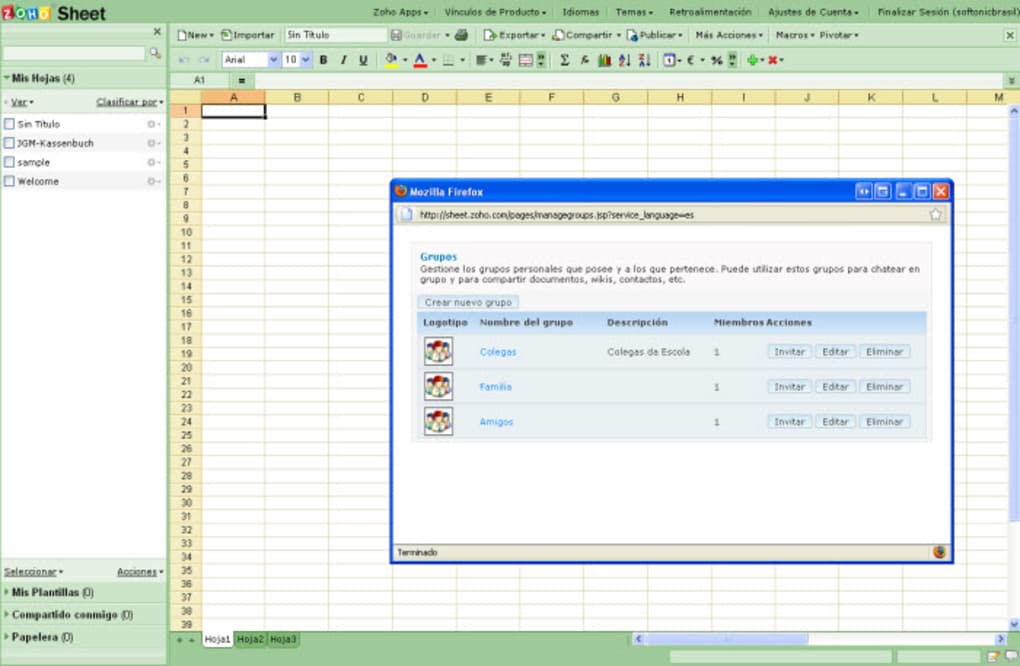
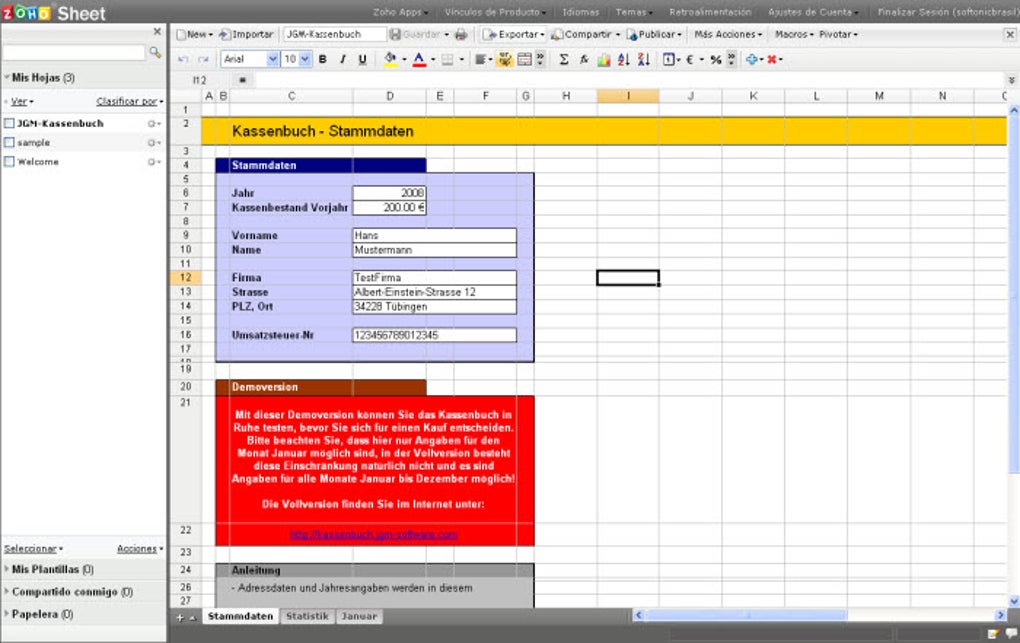
The interface mirrors the classic spreadsheet layout—ribbon, formula bar, sheet tabs—so users face a minimal learning curve. Yet, because it runs in the browser, you benefit from auto‑updates without ever needing to download patches. The combination of feature depth, cross‑platform accessibility, and a free tier that rivals paid desktop solutions makes Zoho Sheet a compelling choice for individuals, startups, and enterprises alike.
Installation, Setup, and Compatibility Across Platforms
Getting started with Zoho Sheet is intentionally straightforward. Because it is a web application, there is no traditional “installation” required on a desktop. Follow these steps to begin using the tool:
Step‑by‑Step Registration
- Visit zoho.com/sheet and click “Sign Up Free.”
- Enter your email address, create a strong password, or use a single‑sign‑on option such as Google, Microsoft, or LinkedIn.
- Confirm your email via the verification link sent to your inbox.
- After verification, you are redirected to the Zoho Sheet dashboard where you can create a new sheet or import an existing file.
Browser Requirements
Zoho Sheet runs on all modern browsers, including Google Chrome, Mozilla Firefox, Microsoft Edge, and Safari. It is optimized for HTML5 and requires JavaScript to be enabled. For the best performance, use the latest version of your browser and keep it updated.
Mobile and Desktop Apps
While the primary experience is browser‑based, Zoho offers dedicated mobile applications for iOS and Android. Download the “Zoho Sheet” app from the App Store or Google Play, sign in with the same credentials, and you’ll have full access to your spreadsheets offline and on the go. Additionally, Zoho provides a desktop “Zoho WorkDrive” client for Windows and macOS that can sync your files locally, giving you a hybrid experience.
Importing Existing Workbooks
To migrate from Excel or other spreadsheet tools, simply click “Import” on the dashboard, select your .xlsx, .csv, or .ods file, and Zoho Sheet will automatically map the data. Most complex formulas and formatting are retained, though it’s advisable to review large macro‑heavy workbooks for any compatibility quirks.
Security & Updates
Because Zoho Sheet is a SaaS solution, security patches and feature enhancements are delivered automatically. Users never need to manually download updates; the platform stays current with the latest standards, ensuring you always work with a secure and up‑to‑date environment.
Pros, Cons, Frequently Asked Questions, and Final Verdict
Pros
- Free tier offers generous 1 GB storage and robust feature set.
- Real‑time collaboration rivaling Google Sheets.
- High compatibility with Excel files.
- Extensive charting and data analysis tools.
- Secure, encrypted, and GDPR‑compliant.
- Native mobile apps for iOS and Android.
- Integration with Zoho ecosystem and third‑party services.
Cons
- Offline editing is limited compared to desktop Excel.
- Advanced macro support relies on Zoho’s proprietary Deluge language, which may have a learning curve.
- Performance can vary on slower internet connections.
- Some niche Excel functions (e.g., certain VBA scripts) are not fully supported.
Frequently Asked Questions
Is Zoho Sheet completely free?
Zoho Sheet offers a free plan with 1 GB of storage, unlimited sheets, and most core features. Premium plans unlock additional storage, advanced analytics, and priority support.
Can I import Excel macros?
Standard Excel macros (VBA) are not directly importable. However, you can recreate automation using Zoho’s Deluge scripting or built‑in macro recorder.
How secure is my data on Zoho Sheet?
Zoho employs TLS 1.2 for data in transit and AES‑256 encryption at rest. The service complies with GDPR, SOC 2, and ISO 27001 standards.
Does Zoho Sheet work on iPad?
Yes. The Zoho Sheet iOS app is optimized for iPad, offering full spreadsheet functionality and touch‑friendly navigation.
Can I share a sheet with people who don’t have a Zoho account?
You can generate a shareable link with view‑only or comment permissions that works for anyone, even without a Zoho login. For editing rights, recipients must sign up for a free account.
Conclusion & Call to Action
After evaluating its feature set, ease of use, and pricing model, Zoho Sheet emerges as a highly competitive alternative to traditional desktop spreadsheet software. It delivers the core capabilities that power users expect—advanced formulas, pivot tables, and charting—while adding modern collaboration and cloud‑first benefits that Excel cannot match without an Office 365 subscription. For freelancers, small businesses, and even larger teams seeking a cost‑effective, secure, and always‑up‑to‑date spreadsheet solution, Zoho Sheet is an excellent choice. Its free tier provides enough power to handle everyday tasks, and the upgrade path is transparent for organizations that need extra storage or premium analytics.
Ready to boost your productivity with a free, secure, and collaborative spreadsheet tool? Download Zoho Sheet now and start building, sharing, and automating your data workflows instantly.



.png)



